
Microsoft Whiteboard
for Windows- Name Microsoft Whiteboard
- Category Productivity
- Downloads 65,000,000+
- Developer Microsoft Corporation
- Available on PC, Surface Hub
- OS Windows 10 version 15063.0 or higher
- Architecture x86, x64, Arm64
- Touch Not specified

Pros
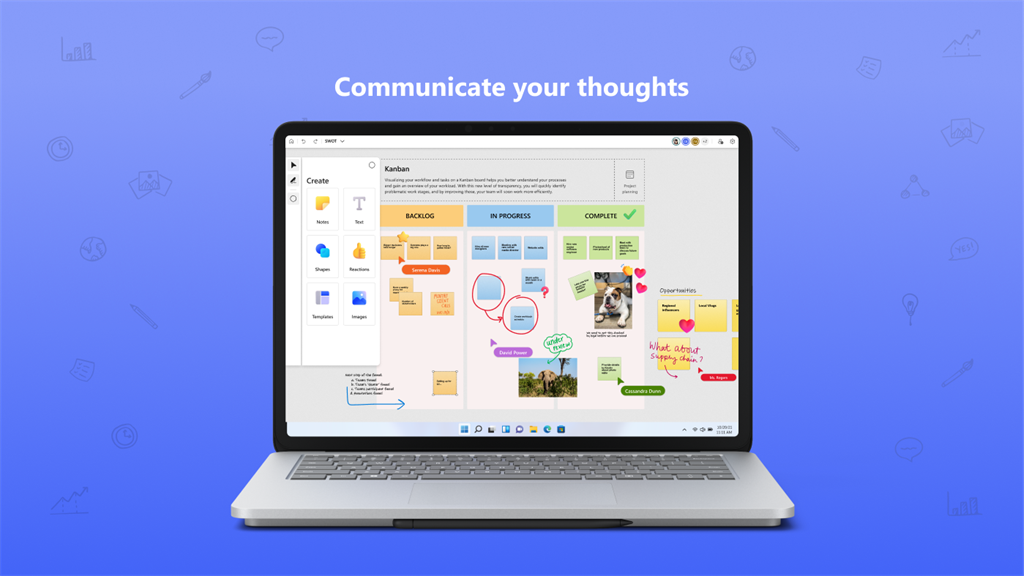
1. Collaborative: Microsoft Whiteboard allows multiple users to collaborate in real-time on a shared virtual canvas. It enables seamless teamwork and brainstorming sessions, making it ideal for group projects and remote collaboration.
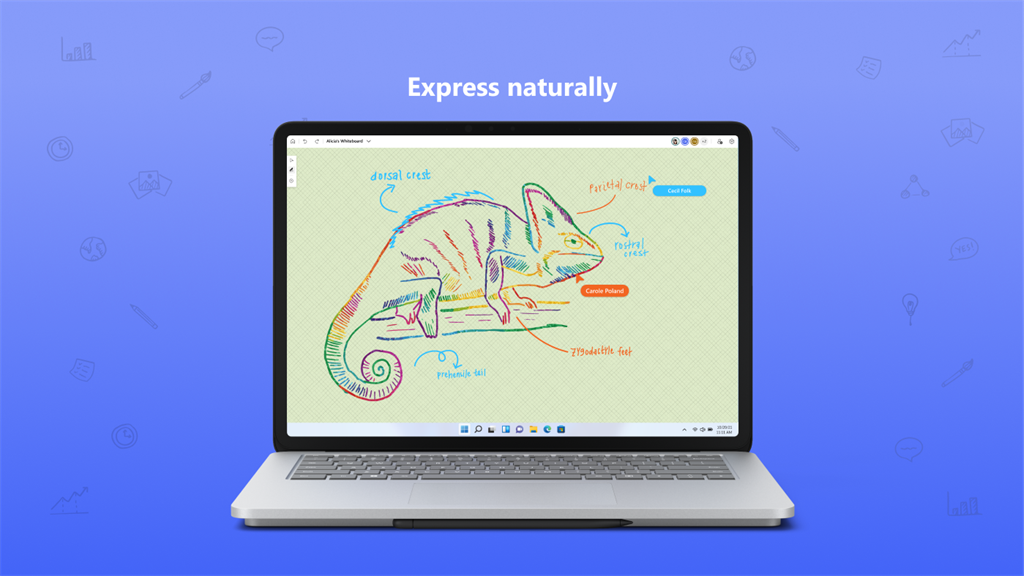
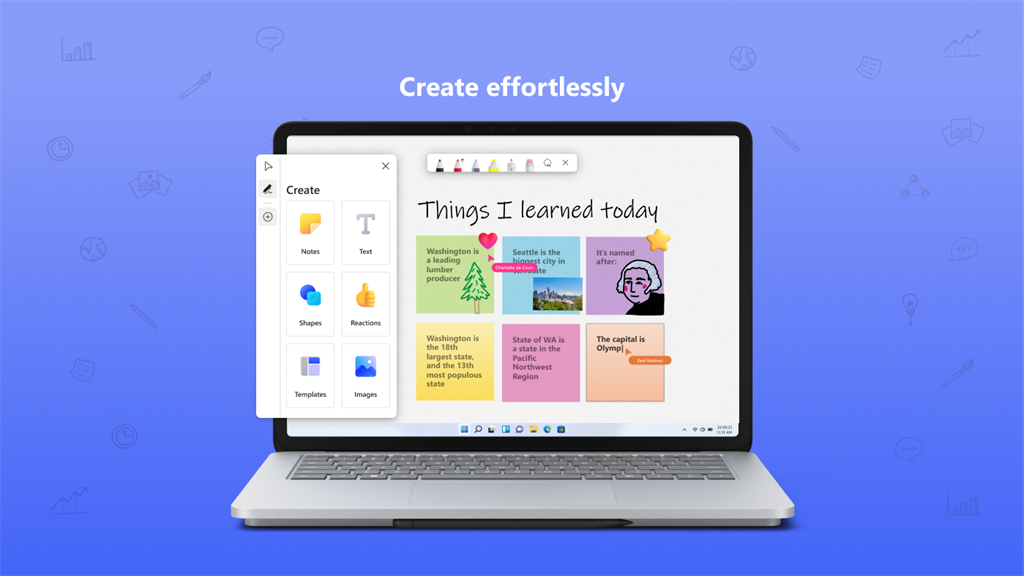
2. Versatile: This software offers a wide range of tools and features, including drawing, writing, and sticky notes. It also supports importing images and documents, encouraging creativity and flexibility in presentations and visualizations.
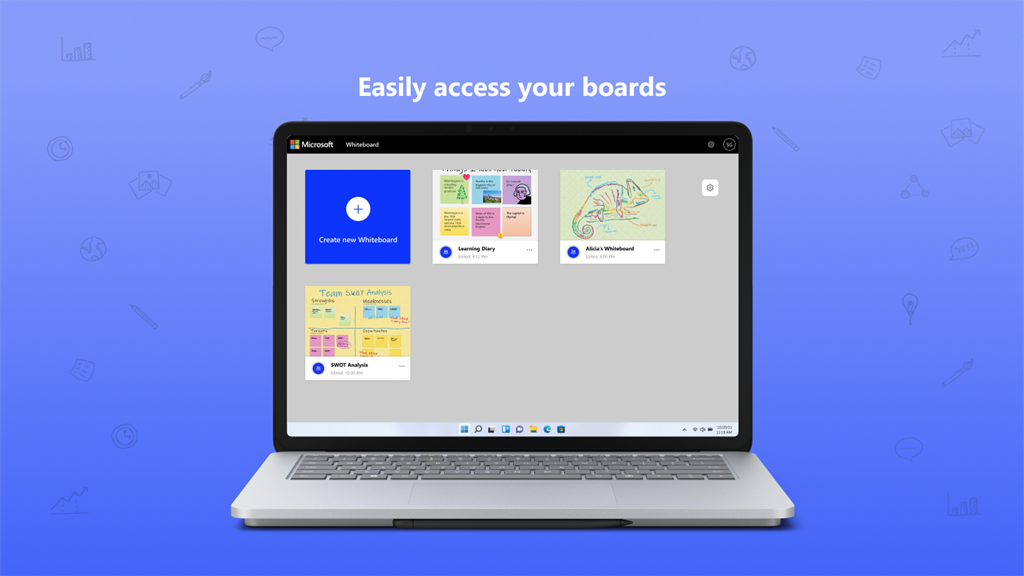
3. Integration: Microsoft Whiteboard can be easily integrated with other Microsoft applications like Teams and OneNote. This integration enhances workflow efficiency, making it effortless to share and organize whiteboard content across different platforms.
Cons
1. Limited compatibility: Microsoft Whiteboard software for PC is primarily designed for Windows devices, limiting its availability to users who operate on other operating systems such as macOS or Linux.
2. Lack of advanced features: The software lacks advanced functionalities commonly found in other whiteboard collaboration tools, such as the ability to import and export files, add animations or annotations, and integrate with third-party applications.
3. Internet dependency: Microsoft Whiteboard heavily relies on the internet connection for real-time collaboration and synchronization, which means that users may experience interruptions or limitations if they have a slow or unstable internet connection.


