
Widgets for UniGetUI (formerly WingetUI)
for Windows- Name Widgets for UniGetUI (formerly WingetUI)
- Category Utilities & tools
- Downloads 82,000,000+
- Developer Martí Climent
- Available on PC
- OS Windows 10 version 19041.0 or higher
- Mouse Integrated Mouse
- Notes Having UniGetUI installed and running on the background
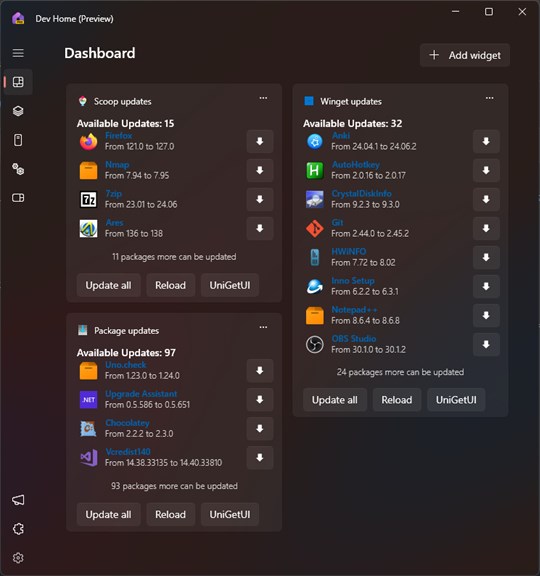
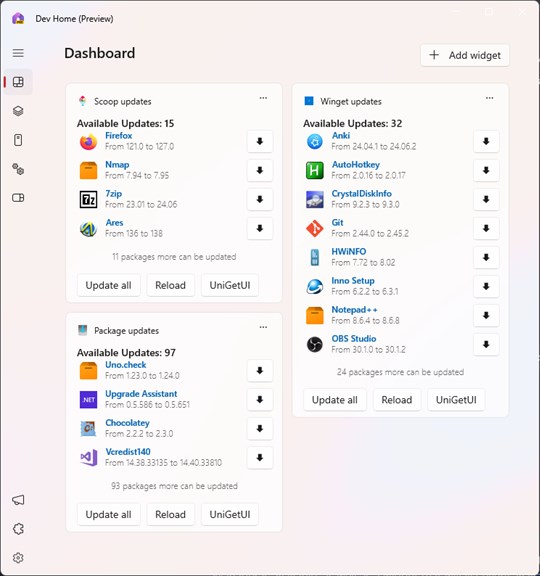
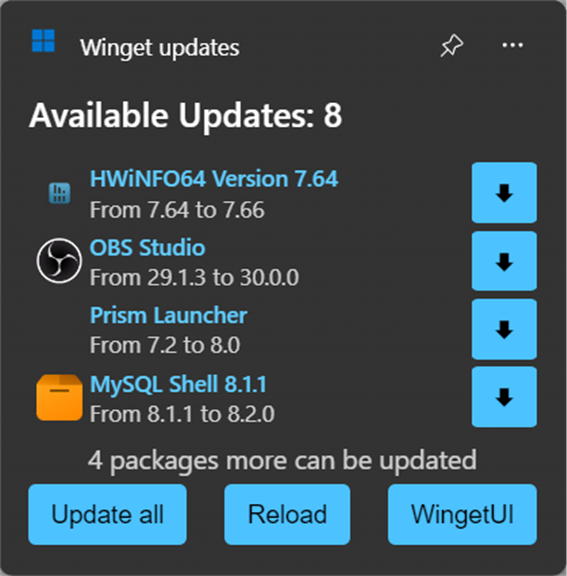
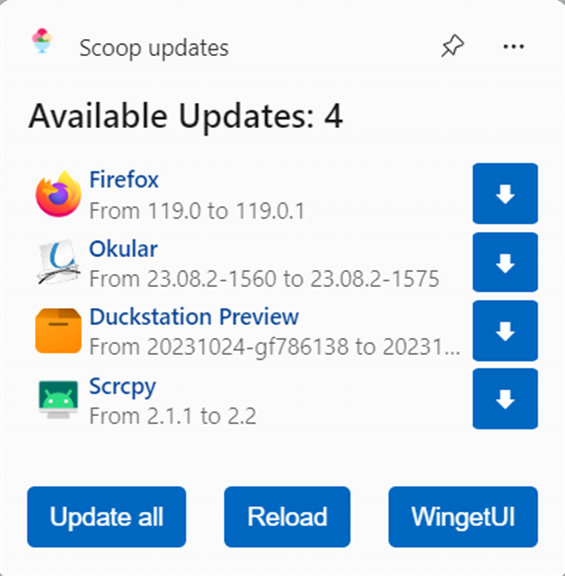
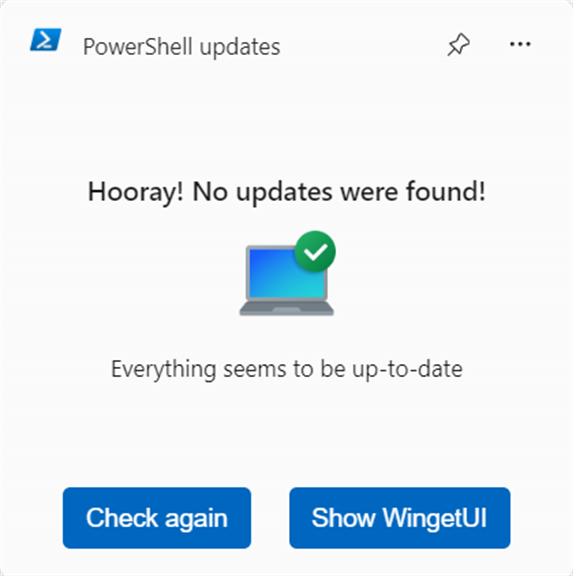
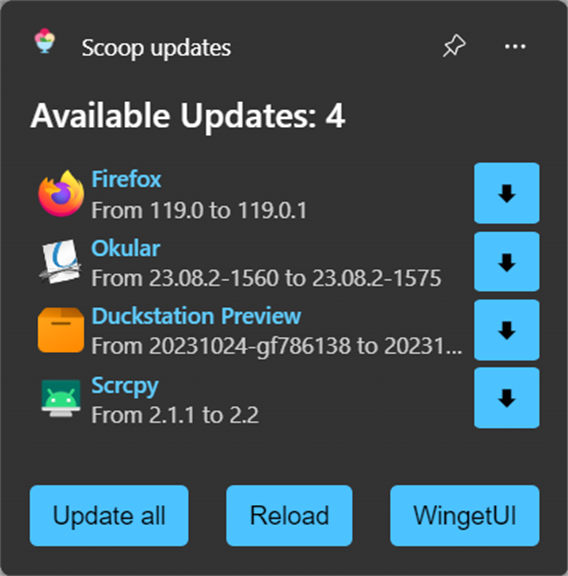
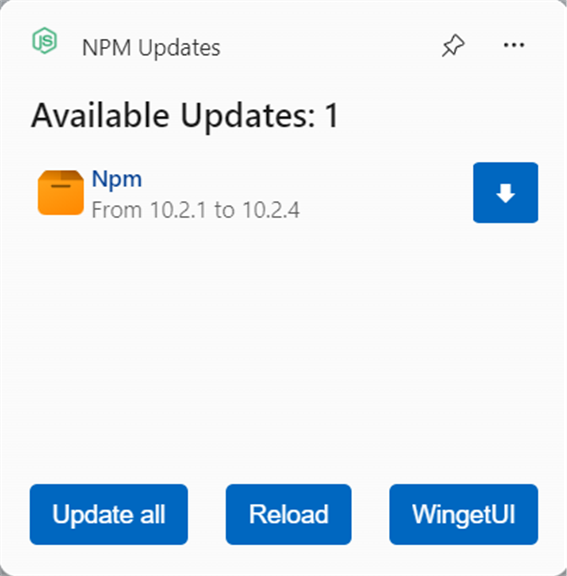
Pros
1. **Enhanced Accessibility**: Widgets for UniGetUI simplifies the user experience by providing quick access to commonly used features and settings, streamlining your workflow and saving you valuable time.
2. **Personalization**: This software allows you to customize your interface with different widgets that fit your preferences, offering a tailored experience to suit your needs and enhance productivity.
3. **Real-time Updates**: With widgets, you receive live updates on important system information, notifications, and statuses directly on your desktop, ensuring you stay informed without interrupting your tasks.
Cons
1. Limited Customization: Widgets for UniGetUI has fewer options for personalizing the widget interface compared to other widget software, restricting users from fully tailoring their experience to their liking.
2. Compatibility Issues: The software might not seamlessly integrate with all systems or third-party applications, leading to potential functionality conflicts or glitches.
3. Resource Utilization: Widgets for UniGetUI can consume significant system resources, which could slow down older computers or those with limited processing power, affecting overall system performance.


